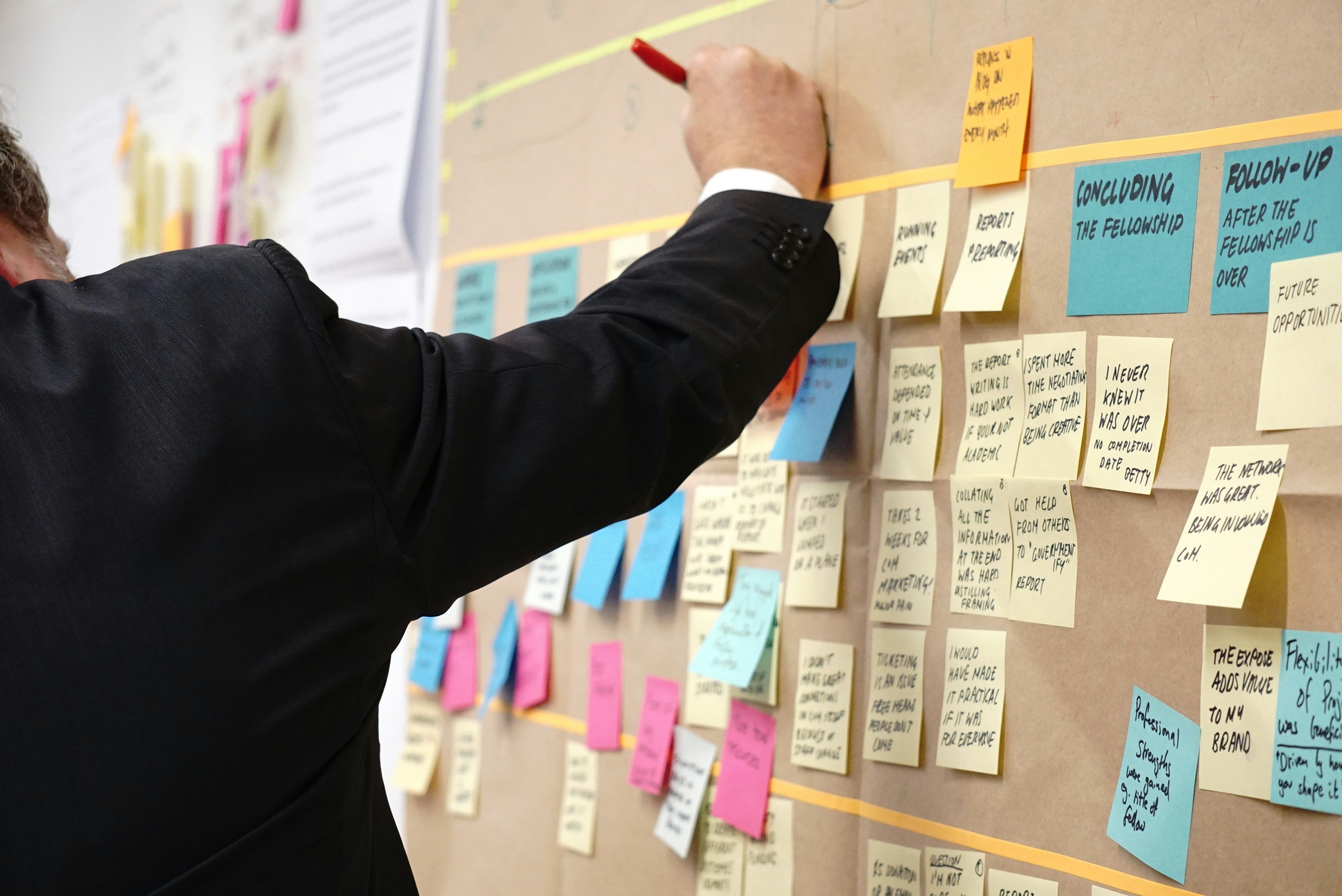
Most product managers spend more of the week translating between systems than deciding anything.
The roadmap sits in one tool, the PRD in another, customer feedback in a third, and then an engineer asks a question in standup that was answered in a doc nobody can find.
Tixio keeps the roadmap, the spec, the feedback log and the conversation about all three in the same workspace.
Why product work turns into translation work
- The spec and the work live in different tools. The PRD says one thing, the ticket says another, and nobody is certain which version shipped.
- Feedback arrives in five places at once. Sales forwards an email, support pastes a screenshot, a customer says something on a call, and none of it lands in one list you can sort.
- The roadmap is a slide, not a system. It gets rebuilt by hand before every leadership review and is out of date by the time the meeting ends.
- Discovery calls evaporate. The insight that would have killed a bad feature was said out loud in week two and written down nowhere.
- Backlog grooming turns into archaeology. Half the session goes on working out what an eleven month old ticket was supposed to mean.
- Every stakeholder gets a slightly different answer. Support, sales and engineering all ask you directly, because there is no single page any of them trust.
What Tixio does for product managers
Six modules cover most of what the job actually involves in a week.
Projects: the roadmap and the backlog in one set of views
Look at the same work as a Roadmap, a Kanban board, a List or a Calendar without moving anything. Custom fields hold priority, effort, target release and requesting customer, so the backlog is a real list you can sort rather than a wall of cards. Subtasks split a feature into the pieces engineering picks up, and project reports show what moved this sprint without you counting it by hand.
Wiki: PRDs and specs that link to the tasks that implement them
Write the PRD in Wiki and link each requirement to the task in Projects that delivers it. The answer to "what did we decide about the empty state" is then one search away instead of one long scroll through old messages. Nested pages keep product areas, release notes and the decision log in an order that survives a reorg, and inline comments keep the spec review on the document.
Canvas: story mapping and journeys before anything is written down
Story map a release on an infinite whiteboard with live cursors, then turn the columns into real tasks. Templates for sprint planning, retros and user journeys mean you are not redrawing the same grid every quarter. This is the module for the messy hour before a spec exists.
Meetings: discovery calls that leave something behind
Record the discovery call and get an AI transcript, a summary and action items that sync into tasks. The customer quote that justified the feature stays attached to the feature rather than in your notebook. It is also the cheapest way to hand context to an engineer who was not on the call.
Chat: a channel per feature
Open a channel for each feature in flight, keep the design, the spec link and the open questions in it, and archive it at launch. Threads keep the "can we ship without this" argument in one readable place. Scheduled messages help when half your engineering team starts work six hours before you do.
Connect: share a roadmap outside your workspace
Share a Project, Wiki page, Canvas or Board with a customer, an agency or a partner without giving them a seat in your workspace. Useful for a design partner who wants to see next quarter, and for the enterprise account that asks for a roadmap at every renewal.
How a product manager week runs in Tixio
- Monday morning, open your Board and look at two things: the sprint Kanban and the feedback items logged since Friday.
- Update the PRD in Wiki for whatever is next, and link each requirement to the task in Projects that implements it.
- Run discovery calls in Meetings, let the recording transcribe, and turn the clear asks into backlog items with the customer name in a custom field.
- Story map the next release in Canvas with design and engineering, then push the columns into Projects with effort and priority already set.
- Groom the backlog against the Roadmap view, reading each item's linked spec instead of guessing from a four word title.
- Publish the release note in Wiki, link the shipped tasks to it, and post it in the feature channel and the company channel in Chat.
- Friday, run the retro on a Canvas template and file the three actions as tasks so they still exist on Monday.
What you can stop paying for
A normal product stack looks like this: an issue tracker at roughly 8 dollars per user, a docs tool at 8, a whiteboard at 8, chat at 7, video conferencing at 15, plus a feedback tool billed per workspace. For a twelve person product and engineering group that clears 500 dollars a month, and every one of those tools holds a piece of the same feature.
Tixio Team is 9 dollars per user per month, or 6.30 billed yearly. Twelve people on the yearly plan is about 76 dollars a month, and that covers Projects, Wiki, Canvas, Chat, Meetings and Connect. HR and CRM are separate add ons at 5 dollars each if you need them later.
The licence saving is real. The bigger one is the hour a day you currently spend copying decisions from one tool into another.
Who this is for
Product managers at startups and scale ups who own discovery, the roadmap and the release note, and who are tired of being a human integration layer between four subscriptions. It fits teams of roughly 5 to 100 people where product, design and engineering sit close together.
Tixio is probably not for you if you need a dedicated product analytics tool. There are no funnels, cohort retention charts or event level instrumentation here, so keep your analytics tool and use Tixio for everything around it. Tixio is also not Jira. If your engineering team runs on git linked issues, custom workflow states and deep automation rules, Projects will feel lighter than they want it to be.
Getting started
Move one artefact first: take the PRD for whatever you are shipping next, put it in Wiki, and link its requirements to the tasks in Projects. That single link is usually enough to show the team why the rest should follow.
Every plan comes with 14 days of full access, free, no credit card required. Set up your first project and roadmap view in an afternoon, then invite engineering.
Related reading: Tixio for startups, Tixio for IT and engineering, Tixio vs Jira.








